Walk-ins and bookings on the same board
A front desk fails in the same way everywhere: a walk-in arrives, a booked client is due in ten minutes, and nobody can see fast enough who is free. IMFlow360 puts both on the same diary, with who is in today read from the till they clocked in on.
How it usually goes
The bookings are in a diary and the walk-ins are a queue the receptionist holds in their head. When the eleven o'clock arrives early and two walk-ins are already waiting, whoever is standing nearest the desk decides who gets the next free chair — and the booked client is the one who waits.
Who is actually in today is a different question from who was meant to be. Somebody swapped a shift, somebody is on leave that was agreed in a corridor, and the desk finds out when they go to assign the client.
The walk-in is served and paid, and the visit is written on a slip or rung up as a nameless sale. Next month the same person comes back and the business has no record they were ever here, let alone what they had or who did it.
From arrival to checkout, on one board
Whether the client booked last week or walked in a minute ago, they go through the same diary, the same customer record and the same till.
Who is booked, and who is free
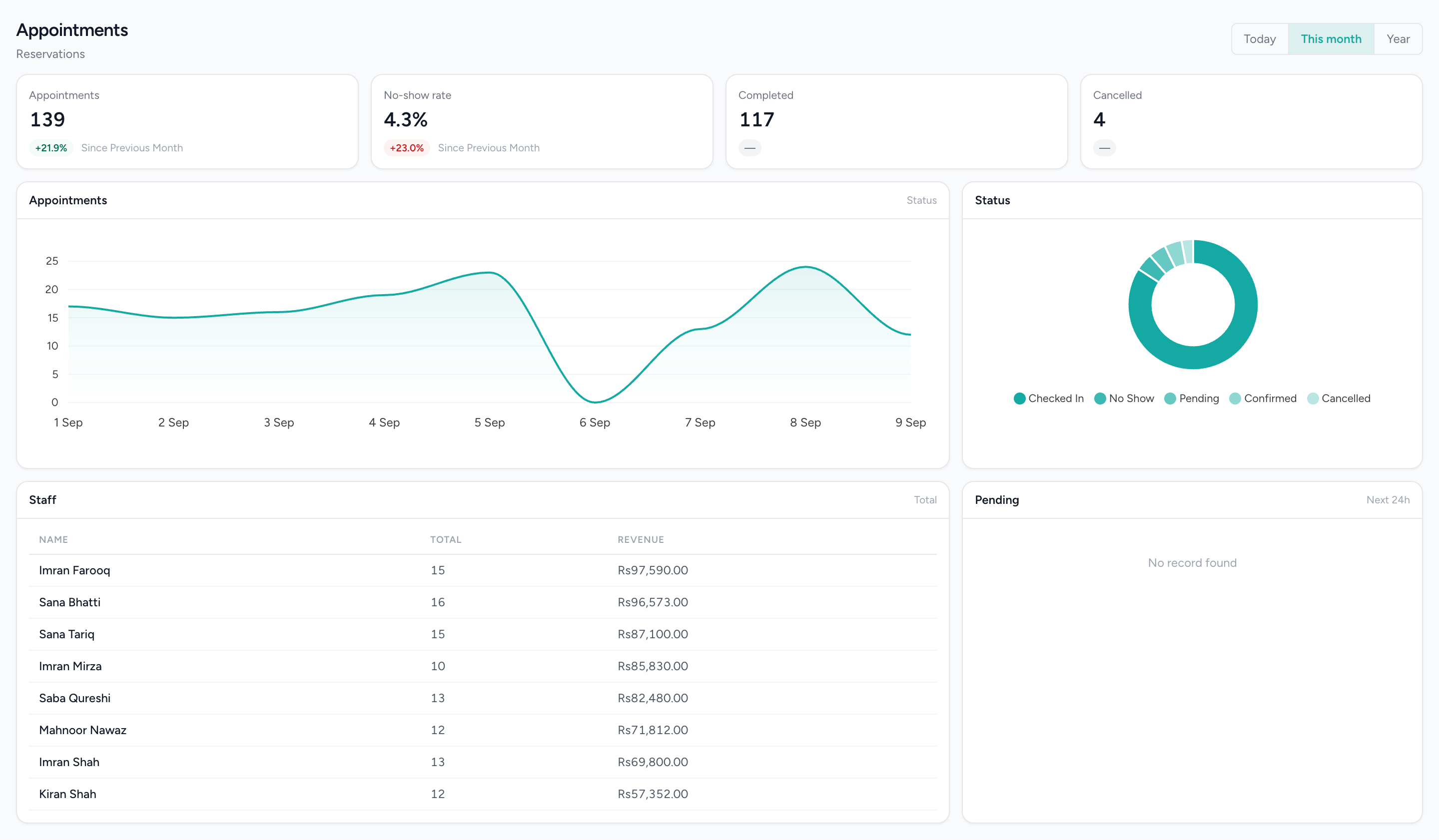
The same day view the desk works from: every column is a person, every block a booking, and a gap is a gap a walk-in can take.
What changes
Free means visibly free
A staff column with nothing in it at this hour is the answer to "who can take them". The desk reads it from the diary rather than shouting down the corridor.
The walk-in becomes a customer
Because the till asks for a named guest with a mobile number before it takes money, the walk-in has a record — what they had, who did it, and what they thought of it — the next time they come through the door.
Leave is known before the client is assigned
Approved leave and holidays are on the diary as a warning at the moment of booking, so the desk is not assigning a client to someone who is not coming in.
The booked client is not overtaken
A slot held in the diary is held against that staff member, and with double-booking switched off the till will not give it away to a walk-in.
One drawer, one count
Walk-ins and bookings settle on the same till against the same trading day, so the close is one counted drawer rather than a diary total reconciled against a slip of paper.
What it does not do
Worth knowing before a demo rather than after one.
- There is no waitlist or walk-in queue. A walk-in is a booking taken now; the diary does not hold a list of people waiting for the next free chair.
- A walk-in is not a two-tap sale. The till has one order path, and it asks for a named guest with a mobile number and an assigned staff member before it takes money. That is right for a chair and heavy for a single retail item.
- The diary shows who has a booking and warns on approved leave and holidays. It does not read a future rota; who is in today comes from clock-ins on the till, not from a schedule.
- The clash rule is per staff member, not per chair or room, and it is a setting — double-booking is allowed by default.
- Nothing is messaged to the client. There is no SMS channel and no WhatsApp sending, and a front-desk booking is not confirmed by email today.
Questions about this workflow.
What owners ask before they move a live business onto a new platform.
How does reception see which staff member is free?
From the IMFlow360 day view: one column per staff member with every booking placed by time, so a gap in a column means that person is free. It shows who has clocked in today and warns you about approved leave and holidays; it doesn't show a future rota.
Does IMFlow360 have a waitlist for walk-ins?
Not yet. There's no waitlist or queue in IMFlow360; a walk-in is booked straight away with a staff member who is free, using the same booking screens on the till.
Can a walk-in client be served without an appointment?
Yes. There's no need to book ahead: start a new sale on the IMFlow360 till and enter the client's name and mobile number, an allergy choice and the staff member serving them. It takes a few more taps than a supermarket till, which suits salons well.
Can reception book appointments from a computer while the till is busy?
Yes. The booking form in your IMFlow360 web dashboard adds future appointments straight to the diary — service, staff member, room and time — and warns you about clashes as you fill it in. These bookings are paid at the counter and don't send the client a confirmation email yet.
Powered by
- AppointmentsA diary that knows service duration, leave and clashes before they happen.Read more
- Point of SaleOffline-capable tills that cluster over your own network, with drawer control and PIN-gated voids.Read more
- HR & PayrollRoles, shifts, attendance, leave, documents, hiring and payroll runs.Read more
- CustomersOne record per customer: every visit, order, package and rating against it.Read more
Built for
- Barbers & GroomingWalk-ins and bookings on the same board, and takings you can read by chair.Read more
- Nail SalonsShort services at high volume, priced and staffed so the day still pays.Read more
- Hair SalonsBuilt around the chair — stylists, colour services and the client who asks for one by name.Read more
- DentalThe business side of a practice: the diary, the front desk and the books — not the charting.Read more
See it against your own work
The day and week views with staff columns, the front-desk booking form, and the double-booking setting.